

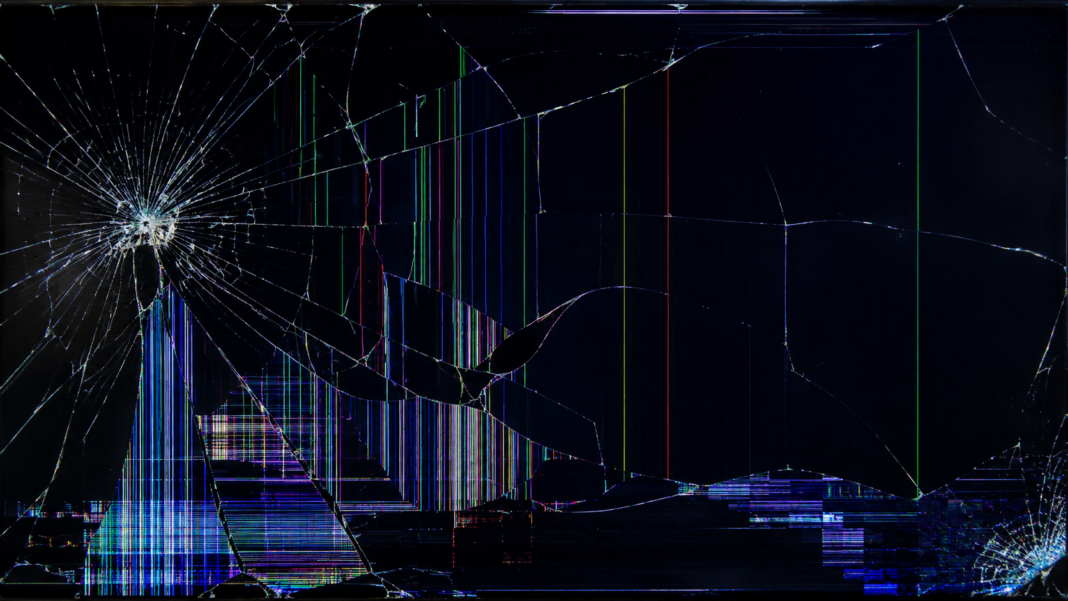

A damaged display is one of the most frustrating technology problems people face. Whether it happens to a smartphone, tablet, laptop, monitor, or television, a broken screen can disrupt work, communication, entertainment, and productivity within seconds.
The good news is that a cracked or damaged display does not always mean the end of a device. Modern repair options, protective technologies, and recovery methods make it possible to restore functionality, protect valuable data, and extend device lifespan. This guide explores everything users need to know about screen damage, repair decisions, replacement costs, prevention strategies, and the future of display durability.
Understanding What a Broken Screen Really Means
Many people use the term broken screen to describe any visible display damage, but the reality is more complex. A device may have superficial glass cracks, touchscreen failure, dead pixels, display bleeding, or complete panel damage.
Understanding the exact type of damage is important because repair methods differ significantly. A hairline crack on the protective glass often requires a different solution than a damaged OLED panel or a malfunctioning digitizer layer beneath the glass.
Common Causes of Screen Damage
Accidental drops remain the leading cause of display failure across smartphones, tablets, laptops, and monitors. Even devices marketed as durable can suffer damage when impact occurs at the wrong angle or on a hard surface.
Pressure damage is another overlooked factor. Sitting on a phone, placing heavy objects on a laptop, or transporting devices without protection can create stress fractures that eventually lead to visible cracks and display malfunction.
Types of Screen Damage Users Encounter
Cracked glass is the most visible form of display damage. The device may continue functioning normally while showing cosmetic cracks across the surface.
Internal display damage is often more serious. Symptoms include flickering, black spots, vertical lines, touchscreen issues, color distortion, or complete display failure, indicating that components beneath the glass have been affected.
Signs That Damage Extends Beyond the Glass
A display that still responds to touch and shows a normal image may have only external glass damage. While inconvenient, this type of issue is often easier and less expensive to repair.
If the screen becomes unresponsive, develops ink-like black patches, shows unusual colors, or experiences random touch inputs, the underlying display assembly may require complete replacement rather than simple glass repair.
How Modern Screens Are Constructed
Most modern devices contain multiple layers working together. These include protective glass, touch-sensitive digitizers, display panels, and supporting electronics.
Because these layers are frequently laminated together during manufacturing, repair technicians often replace the entire assembly. This integrated design improves image quality and durability but can increase repair complexity and cost.
Broken Screen Impact on Device Performance
Many users assume display damage affects only appearance. In reality, screen issues can interfere with touch functionality, visibility, battery efficiency, and overall usability.
Damaged displays may also expose internal components to dust, moisture, and environmental contaminants. Over time, these secondary issues can create additional hardware failures if repairs are delayed.
Repair Versus Replacement Decisions
Choosing between repair and replacement depends on device age, repair costs, warranty coverage, and expected future use. For newer devices, professional repair often provides strong value.
For older devices with declining performance or limited software support, investing in a complete replacement may be more cost-effective than repairing significant display damage.
Typical Screen Repair Cost Comparison
The following table provides a general overview of repair considerations across common device categories.
| Device Type | Typical Damage | Repair Complexity | Relative Cost | Replacement Consideration |
| Smartphone | Cracked glass, touch failure | Moderate | Medium | Usually repairable |
| Tablet | Glass or LCD damage | Moderate to High | Medium to High | Depends on model age |
| Laptop | LCD panel cracks | High | High | Evaluate overall device value |
| Desktop Monitor | Impact damage | Moderate | Medium | Compare repair vs new unit |
| Television | Panel damage | Very High | High | Replacement often preferred |
| Gaming Handheld | Touchscreen or display damage | Moderate | Medium | Often worth repairing |
Professional Repair Services
Authorized repair centers use manufacturer-approved parts and procedures. These services typically preserve warranty eligibility and maintain original device specifications.
Independent repair shops may offer lower prices and faster turnaround times. However, quality can vary depending on technician experience, replacement components, and testing standards.
DIY Repair Considerations
Online tutorials and repair kits have made self-repair more accessible than ever. Technically skilled users can sometimes replace damaged displays successfully while saving money.
However, DIY repairs carry risks. Internal components are delicate, adhesives require precision, and mistakes can worsen damage. Users should carefully assess their technical abilities before attempting complex repairs.
Data Protection After Screen Damage
One of the biggest concerns following a display accident is access to important files, photos, messages, and work documents. Fortunately, screen damage does not automatically mean data loss.
Cloud backups, external storage solutions, and computer connectivity often allow users to recover information even when a display is severely compromised. Acting quickly improves recovery opportunities.
The Role of Screen Protectors
Screen protectors serve as an additional sacrificial layer designed to absorb minor impacts and scratches. Tempered glass protectors are particularly popular because they mimic the feel of the original display.
While protectors reduce certain risks, they cannot guarantee immunity from significant impact damage. Their greatest value lies in minimizing everyday wear and reducing the severity of smaller accidents.
Protective Cases and Device Safety
A high-quality protective case can dramatically reduce the likelihood of display damage. Raised edges help prevent direct contact between the screen and hard surfaces during falls.
Modern protective accessories balance durability and aesthetics. Users no longer need to choose between attractive device design and practical protection, as many manufacturers now offer both.
Business Impact of Device Screen Damage
For businesses, damaged displays create more than repair expenses. Productivity losses, communication delays, and workflow interruptions can affect operational efficiency.
Organizations increasingly implement device management policies, protective equipment standards, and employee training programs to reduce the frequency and cost of screen-related incidents.
Broken Screens in Educational Environments
Schools and universities rely heavily on digital learning tools. Tablets, laptops, and interactive displays have become central components of modern education.
When screen damage occurs, learning continuity may suffer. Educational institutions often maintain repair partnerships, spare device inventories, and protective equipment programs to minimize disruption.
Environmental Consequences of Screen Replacement
Electronic waste remains a growing global concern. Replacing entire devices because of display damage contributes to resource consumption and environmental pressure.
Repair-focused approaches support sustainability goals by extending device life cycles. Many consumers and organizations now prioritize repairability as an important purchasing factor.
Insurance and Protection Plans
Many manufacturers, retailers, and third-party providers offer protection plans that cover accidental damage. These programs can significantly reduce out-of-pocket repair expenses.
Before purchasing coverage, consumers should review deductibles, exclusions, claim limits, and repair procedures. Not all protection plans provide equal value.
Display Technology and Durability Improvements
Manufacturers continue investing in stronger materials, improved glass compositions, and enhanced structural engineering. Modern displays are considerably more durable than those from previous generations.
Advances in flexible OLED technology, reinforced frames, and shock-resistant materials suggest future devices may become even more resistant to impact-related failures.
Common Myths About Screen Damage
One widespread misconception is that a cracked display will immediately stop working. Many devices continue functioning for weeks or months despite visible cracks.
Another myth suggests toothpaste, household adhesives, or internet repair hacks can permanently fix display damage. Such solutions rarely address underlying problems and may create additional complications.
How Users Can Reduce Repair Costs
Acting quickly after damage occurs often prevents secondary problems. Small cracks can expand over time, increasing repair complexity and expense.
Comparing repair providers, verifying warranty status, and evaluating protection plan benefits can also help consumers make financially sound decisions when addressing display issues.
The Psychology of Device Damage
People often develop strong emotional attachments to their devices because they store memories, conversations, work projects, and daily routines. Seeing a damaged display can create unexpected frustration.
As technology becomes increasingly integrated into everyday life, the inconvenience associated with a damaged screen extends beyond hardware concerns and influences productivity, communication, and personal confidence.
Future Trends in Screen Technology
Researchers continue exploring self-healing materials, ultra-flexible displays, and advanced protective coatings. These innovations aim to reduce vulnerability while maintaining display quality.
Industry experts believe future devices may combine durability, flexibility, and repairability in ways that significantly decrease the frequency of catastrophic screen failures experienced today.
Expert Perspective on Screen Protection
As technology repair specialists often emphasize, prevention remains the most effective strategy. A commonly cited principle is: “The cheapest screen repair is the one you never need.”
This simple observation highlights the value of protective cases, tempered glass protectors, careful handling habits, and proactive maintenance in reducing long-term repair expenses.
Conclusion
A broken screen is one of the most common device problems in the modern world, affecting smartphones, tablets, laptops, monitors, and televisions alike. While the immediate impact can be frustrating, understanding the nature of the damage helps users make informed decisions about repair, replacement, and data protection.
The best approach combines prevention, timely action, and careful evaluation of repair options. Whether the issue involves a minor crack or severe display failure, modern repair services and protective technologies offer practical solutions that can restore functionality and extend device lifespan. By investing in proper protection and responding quickly when accidents occur, users can minimize costs and maximize the value of their devices.
FAQ
What should I do immediately after a broken screen occurs?
If you experience a broken screen, inspect the damage carefully, back up important data, avoid further impact, and determine whether the touchscreen and display still function properly.
Can a broken screen get worse over time?
Yes. A broken screen can develop larger cracks, touchscreen problems, moisture intrusion, and additional internal damage if left unrepaired.
Is it safe to use a phone with a cracked display?
A device with a broken screen may remain usable, but exposed glass edges can cause injury and internal components may become vulnerable to environmental damage.
Does a screen protector prevent all screen damage?
No. Screen protectors reduce scratches and minor impact damage, but they cannot completely prevent a broken screen caused by significant force.
Should I repair or replace a device with screen damage?
The decision depends on repair costs, device age, overall condition, and future usage plans. Newer devices are often worth repairing.
Can data be recovered from a device with a broken screen?
In many cases, yes. Even when a broken screen prevents normal viewing, data can often be recovered through cloud backups, external connections, or professional recovery services.
How much does screen repair usually cost?
Repair costs vary based on device type, display technology, manufacturer, and damage severity. Premium OLED displays generally cost more to repair than standard LCD panels.
Are modern screens more durable than older ones?
Yes. Advances in strengthened glass, improved materials, and structural engineering have increased durability, although accidental drops can still result in a broken screen.
You May Also Read: Naruto Wallpaper 4K